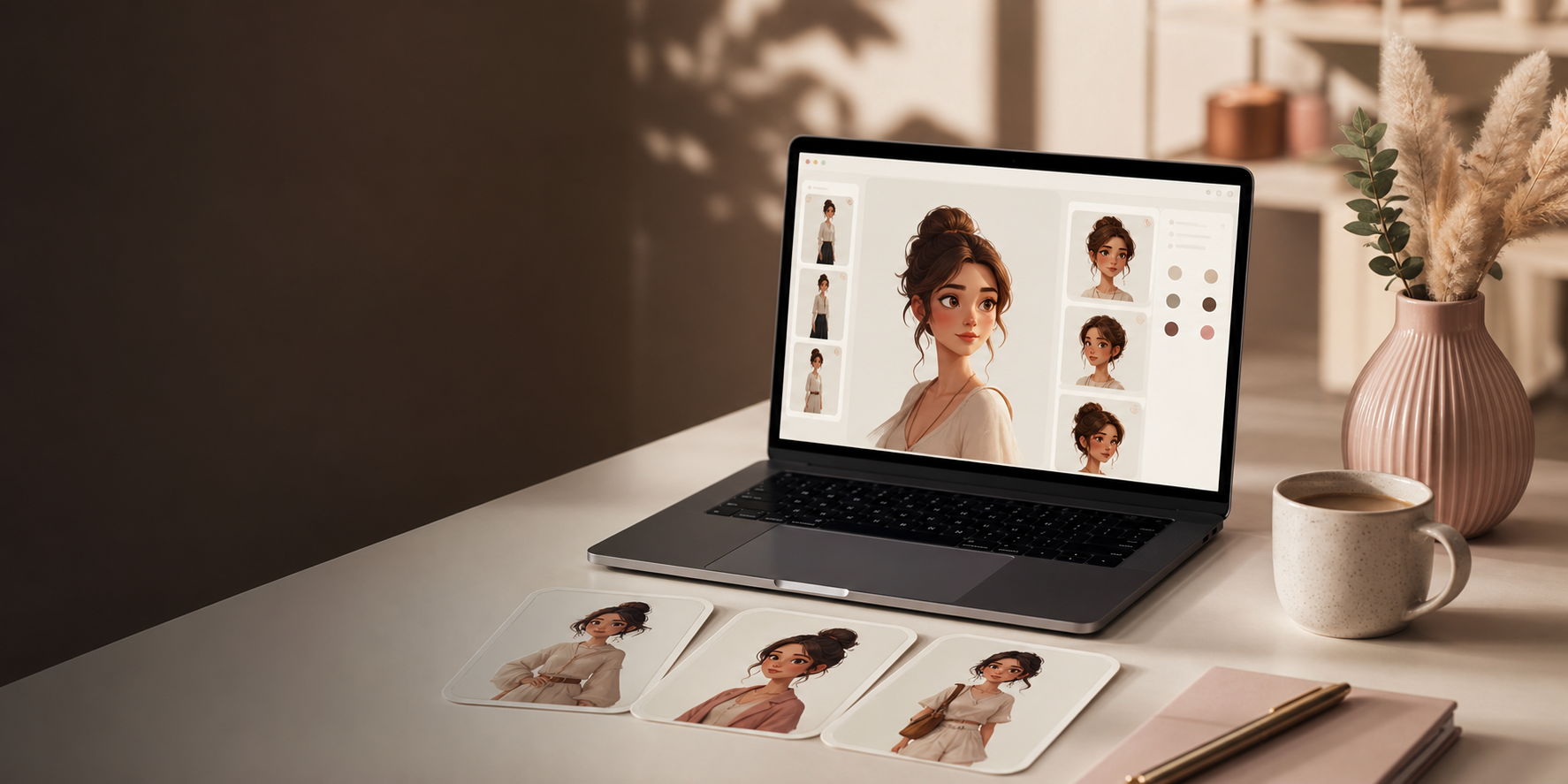
OdinCharacter turns messy character ideas into controlled prompts. Build the face, body, clothing, environment, camera, reference sheet, and video motion from separate choices, then copy one clean production prompt.
+
Consistent identityIdentity, face structure, body controls, and reference instructions stay separated.
+
Body controlChoose strong legs, normal arms, bust level, waist, scale, and region hierarchy.
+
Reference sheetsKnow what one, two, three, or four panels will create before copying.
Video motionControl stance, movement, props, camera motion, dialogue, and continuity.
+
Privacy-firstPresets save locally. Reference lines are optional. No image upload is required.
OdinCharacter
Category
Reference Instructions
Head & Skin
Hair / Growth
Face & Structure
Body & Scale
Clothing
Setting
Camera & Lighting
Macro / Close-up
Video Prompt
Reference Sheets
Privacy-first prompt system. OdinCharacter stores presets locally and only adds reference instructions when you choose them.
Category
Start with only what matters. The prompt stays empty until you make a real choice.
Fast path
1. Choose a presetLoad a proven starting point, then change only what matters for your character.
2. Set prompt strengthUse Commercial Safe for public examples, Strong Detail for control, Extreme Stylized for fantasy scale.
3. Copy and testRun the prompt, compare the output, then save the best result as product proof.
What are you creating?Pick a lane. Odin loads a clean starting point and opens the controls that matter most.
East Asian
South Asian
Southeast Asian
Sub-Saharan African
North African
Middle Eastern
Central Asian
European
Mediterranean
Latin American
Caribbean
Indigenous American
Pacific Islander
Aboriginal Australian
Head & Skin
Skin, hide, scale, or plating tone and surface detail.
Freckles
Scars
Tattoos
Birthmark
Wrinkles
Ritual markings
Glowing veins
Battle damage
Hair / Fur / Growths
Applies to hair, fur, feathers, tentacle-growths, or "none".
Choose a hairstyle to see a plain-English description.
Use this only when you will attach a hair/fur reference image in the image generator.
Face & Structure
Head shape, features, and expression.
Plain / natural
Use this only when you will attach a face/head reference image in the image generator.
Body & Scale
Silhouette, muscularity, size, and any extra anatomy.
Average, lightly toned
Extreme global muscularity affects the whole body. Use regional targeting below when only specific areas should become extreme.
Applies a starting body setup. You can still edit every control afterward.
Shoulder width
Hip width
Torso length
Limb proportions
Structural proportions are separate from muscle size, so broad shoulders or wide hips do not automatically mean more muscle.
Arms
Shoulders
Chest
Back
Core / abs
Glutes
Legs
All-over, uniformly built
Quick emphasis chips. Use the detailed controls below when some areas should stay normal while others become extreme.
Arms
Shoulders
Chest / pecs
Back
This lets you specify contrast, for example: normal arms and chest, but massive legs.
Glutes
Use this with quads and calves when the lower body needs very specific proportions.
Only selected regions become exaggerated. Unspecified areas stay natural, proportionate, and not bodybuilder-sized.
Targeted physique sculpting - useful for exaggerated or highly specific proportions.
Lightly toned legs
Lightly toned calves
Soft, natural waistline
Smooth, no visible striation
Average human height
Ties the Scale slider above to something concrete in frame — e.g. "towering over the buildings and pedestrians below."
Use this only when you will attach a pose reference image in the image generator.
Clothing
Style, material, and detailing.
Use this only when you will attach an outfit/footwear reference image in the image generator.
Setting
Where the character is standing.
Camera & Lighting
How the "shot" is captured, even on another planet.
Instead of one image, requests a 2×2 grid: front, 3/4, profile, and rear view — all the exact same character, useful as a character reference sheet for game/character design.
Appends "highly detailed, sharp focus, professional quality, high resolution" — helps on some generators, unnecessary on others.
Appends a skin, fabric, and material realism checklist (pores, translucency, individual eyelashes, fabric weave and stitching, contact shadows) — the same vocabulary Macro mode uses, but usable on any shot, not just close-ups.
Makeup
Retouching
Skin smoothing
Stylization
CGI aesthetic
AI-generated look
Filters
Extra limbs / digits
Blurriness
Text / logos / watermarks
Plastic / waxy skin
Artificial symmetry
Unrealistic / glowing eyes
Warped hands / feet
Duplicated / cloned features
Oversaturated colors
Halos / ringing
Teal-orange grading
Mismatched shadows / reflections
Excessive sharpening
Denoising smears
Repeated / tiled textures
Beauty-glow effect
Invented anatomy
Macro / Extreme Close-up
For hyper-detailed shots of a specific region — skin pores, iris texture, individual hairs. Overrides the shot type set in Camera & Lighting when enabled.
Visible pores
Fine vellus hair
Individual eyelash/eyebrow hairs
Fine lines / creasing
Iris fiber texture
Lip line texture
Papillae texture (tongue)
Surface moisture / sheen
Natural blemishes / sun spots
Visible veins / capillaries
Video Prompt
Builds a separate video-generation prompt from the same character above, plus motion, camera movement, and sound. Shows up in its own panel below the image prompt.
When enabled, the Camera movement and Motion fields below become Shot 1, and you add up to three more shots — the video prompt describes them as a cut sequence rather than one continuous shot.
Shot 2
Shot 3
Shot 4
Sound & audio
Jump cuts
Flickering
Warping between frames
Temporal inconsistency
Frame duplication
Unnatural physics
Motion blur artifacts
Subtitles / captions
Bad lip sync
Audio drift
Reference Sheets
Structured multi-view reference-sheet prompts plus custom templates. Pick a category and count, then check the preview below so you know exactly what the prompt will ask for.
You will get
Body Shot Turnaround
A predictable multi-view sheet based on the selected count.
Generates a predictable body reference set. Optional reference instructions lock the face and body from your attached image while still allowing clothing, lighting, camera, background, and sheet layout to change.
Check this if you will attach a full-body image in the generator. The prompt locks body proportions and allows only styling, lighting, camera, background, and sheet layout to change.
Check this if you will attach a bust portrait in the generator. The prompt locks the face, skull shape, age impression, neck, and visible upper-body proportions.
Standardized head-and-shoulders studio portrait grid, same person and framing throughout — only the expression changes per panel.
Check this if you will attach an identity reference image in the generator. Only expression, studio framing, lighting, and sheet layout should change.
Neutral
Soft Smile
Big Smile (teeth visible)
Laughing
Surprised
Angry
Sad
Winking
Full body
Half body
Waist up
Bust shot
Zoomed out
Different framing
Different person
Altered face
Different hairstyle
Side view
Profile
Head rotation
Inconsistent lighting
Beauty filter
Illustration
Anime
CGI
Blurry
Text
Watermark
A compact 4-angle face turnaround — Front, 3/4 Left, Left profile, Rear.
Check this if you will attach an identity reference image in the generator. Face identity is locked while only camera angle, lighting, clean background, and sheet layout change.
Full single-image photoreal prompts: face close-up, full body, or a complete scene. Add the source-photo instruction only when you plan to attach an image in the generator.
Check this if you will attach a source image in the generator.
Feature-film / VFX-style identity reference packs — head turnarounds, expressions, full-body turnarounds, macro detail, lighting studies, hair variations, pose references, editorial and hero portraits, plus the full "Complete Character Reference Sheet" (48 panels across 6 categories).
Check this if you will attach identity reference image(s) in the generator. This locks both face and body identity while allowing wardrobe, scene, lighting, and sheet structure to change.
Themed four-image production packs — Editorial Fashion, Fitness, Business, Evening & Cocktail, Luxury Lifestyle, Streetwear, Cinematic, Social Media, Hero & Advertising, and Motion & Video Reference. 10 packs per volume.
Check this if you will attach reference image(s) in the generator. The subject's face and body stay fixed while wardrobe, grooming, environment, lighting, and camera direction can change.
Reference Instructions
Optional. OdinCharacter does not need the image. Check these only when you will attach reference images in the generator you paste into.
Adds a source-of-truth line for a base image you will attach in ChatGPT, Midjourney, Flux, or another image model.
This is placed near the start of the generated prompt, before the dial-driven description.
Adds stronger preservation wording: exact facial proportions and feature placement, natural asymmetry retained, no compacting or reshaping toward an "ideal" face.
Preserves the body proportions shown in the reference — shoulder width, waist, hips, limb length, posture — and blocks the generator from "idealizing" the build (narrowing the waist, widening shoulders, enlarging the chest, lengthening legs) unless your own dials say otherwise.
Changes the final prompt wrapper without changing your character choices.
Controls how hard the prompt pushes body detail, safety, and model compliance.
Commercial SafeBest for public galleries, ads, store previews, and lower block risk.
Strong DetailBest default. Adds anatomy, clothing, camera, and consistency translation.
Extreme StylizedBest for fantasy proportions, giant scale, and aggressive silhouette control.
WorkflowGuided, cleaner default prompts
Identity anchorWaiting for character choices
Reference useNo reference image required
Prompt Quality
No conflicts detected yet.
Generated Prompt live
Fill in dials on the left — the prompt builds itself here.
Copied to clipboard.
Generated Video Prompt live
Build a character above, then visit the Video Prompt tab to turn it into a video prompt.
Copied to clipboard.
Generated Reference Sheet Prompt live
Choose a template. Use reference toggles only if you plan to attach images in the generator.
Copied to clipboard.
Presets are saved locally in this browser only — nothing leaves your machine.
Real prompt results
Polished characters without scaring off normal buyers.
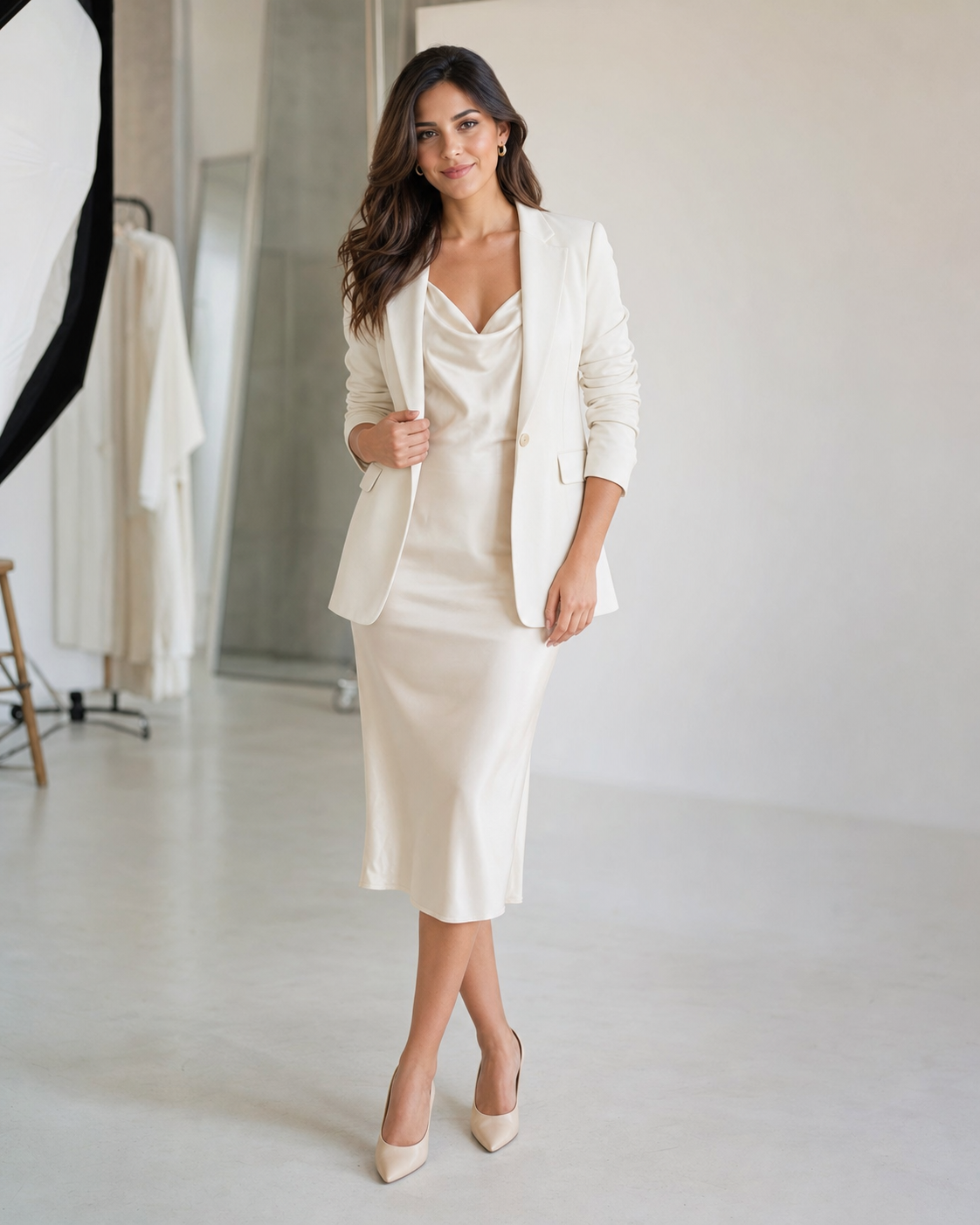
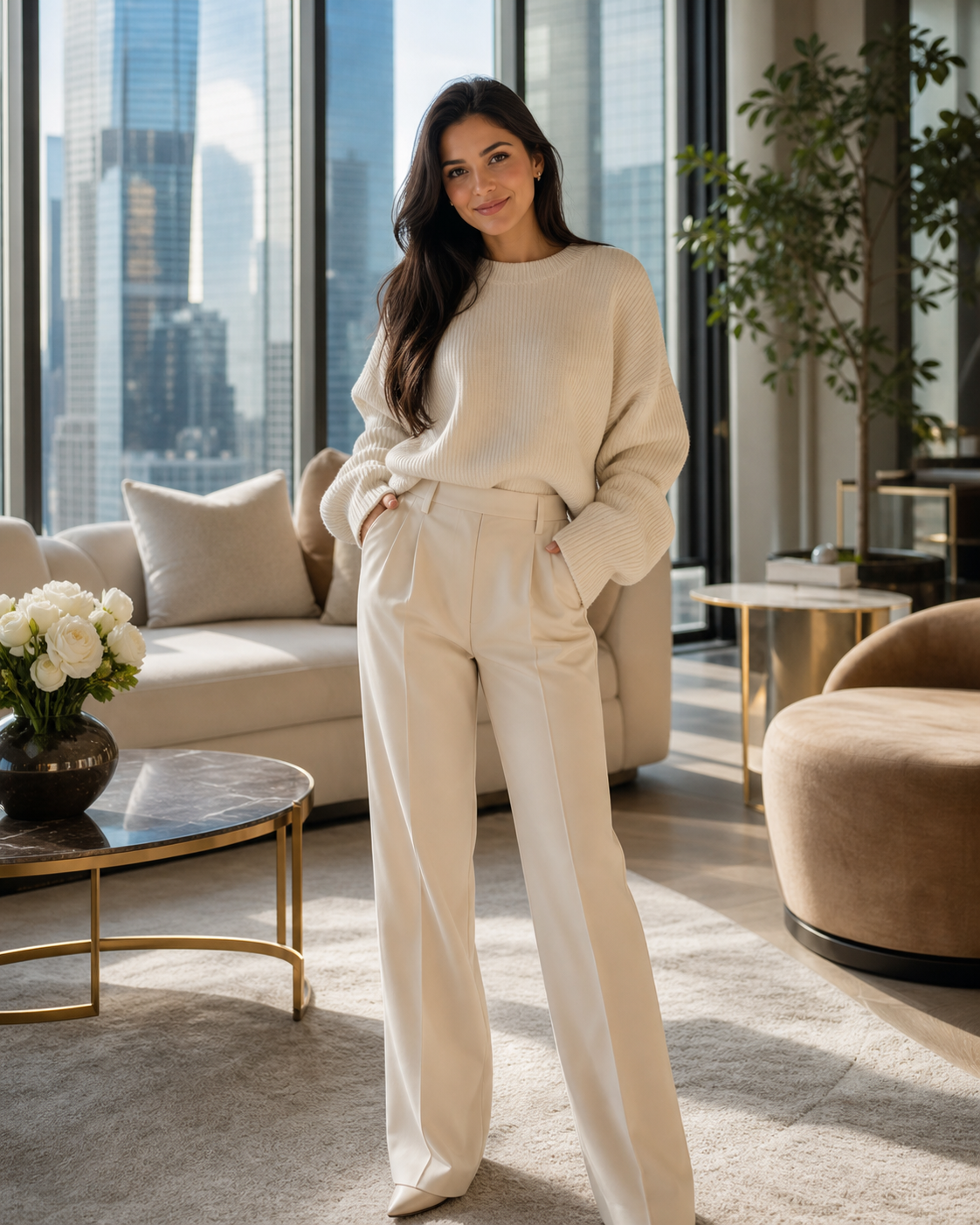
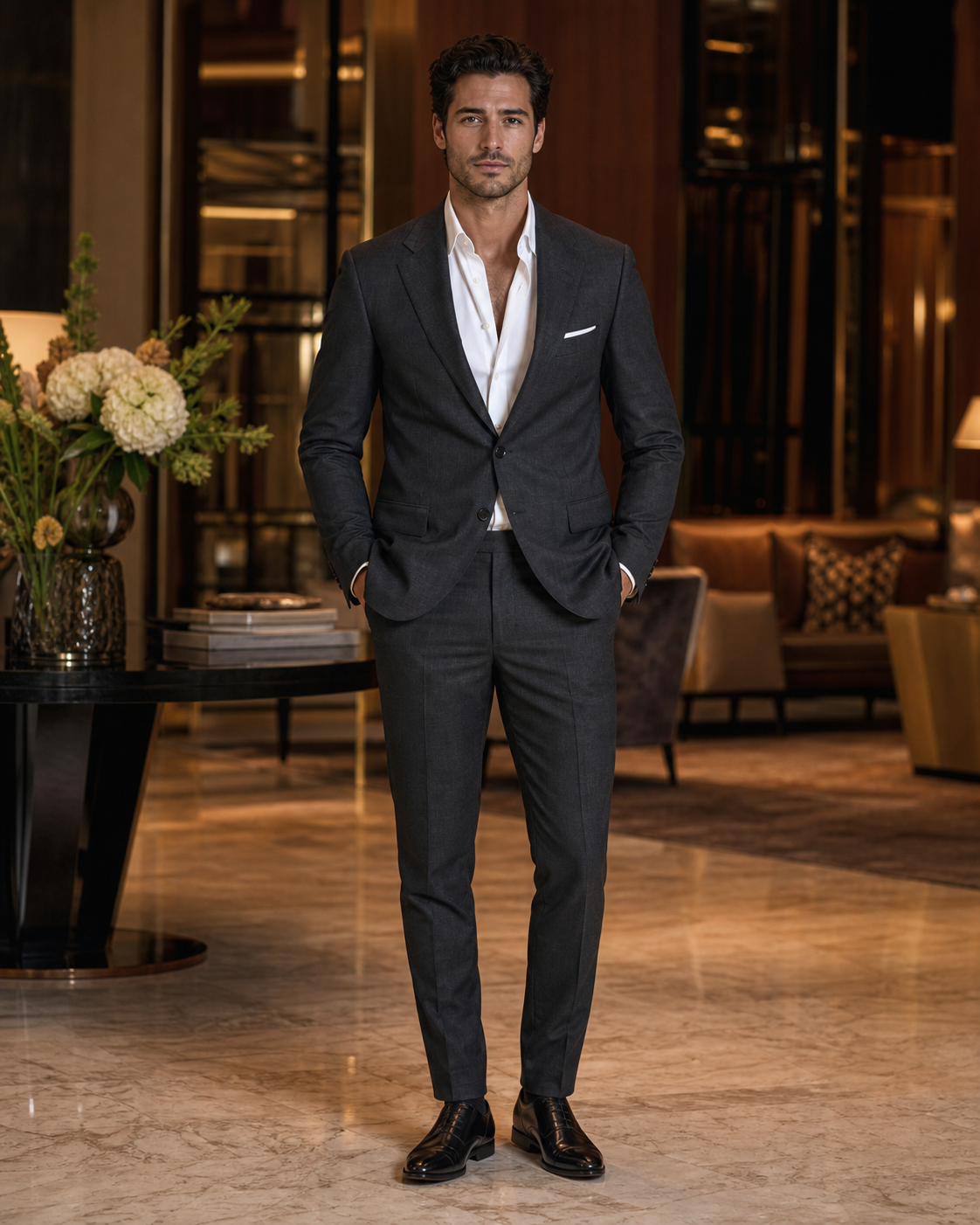
These public examples show the safer side of the builder: beauty/editorial characters, handsome male models, clean wardrobe control, and commercially usable styling.
All 6
Beauty 2
Male Fashion 2
Lifestyle 1
Fantasy 1
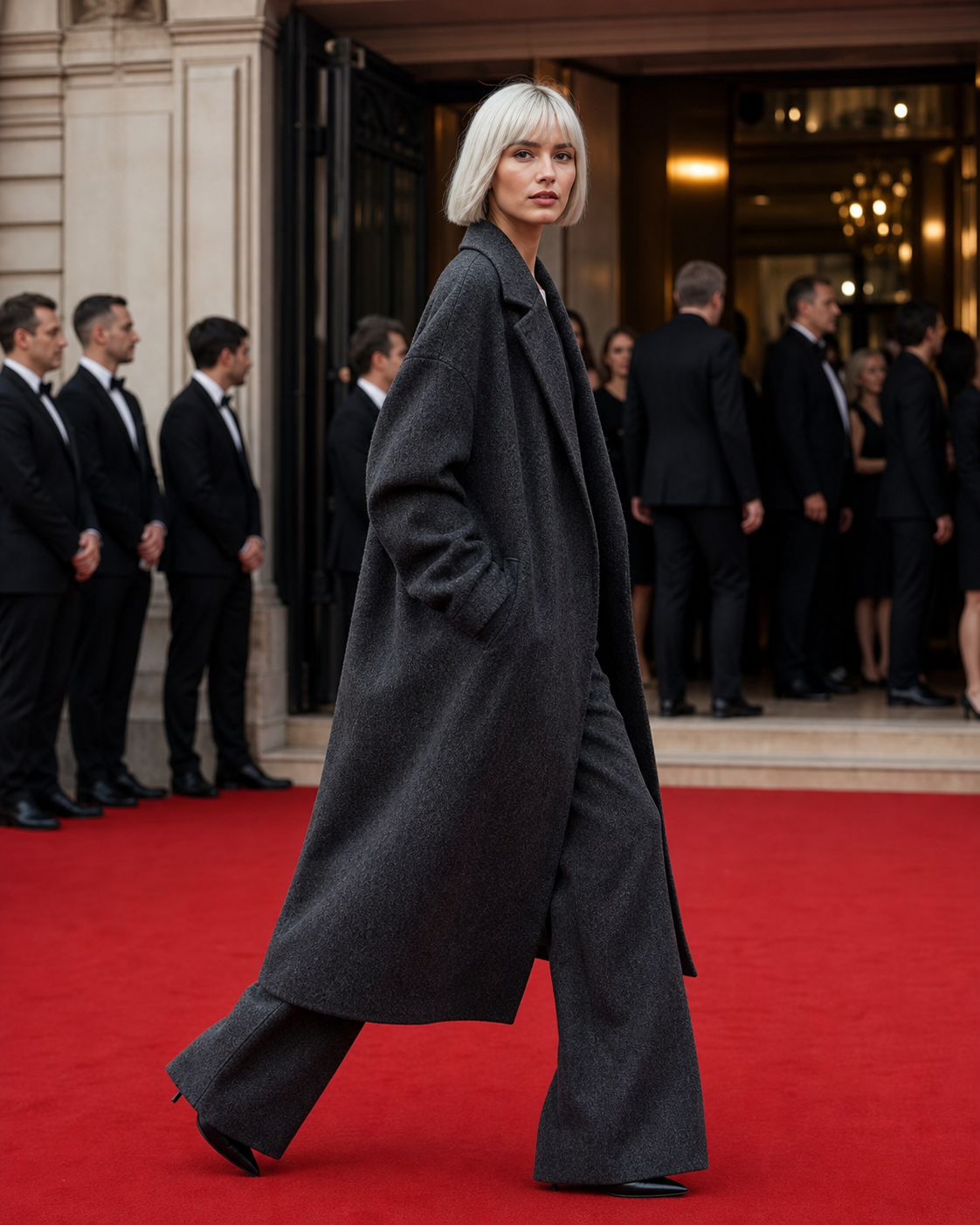
Beauty EditorialSlender, polished, non-extreme female character styling for safe public galleries.
SafePublic
SoftBeauty
CleanWardrobe
Soft Glam InfluencerWarm lifestyle styling with pretty character design, gentle wardrobe control, and ad-safe tone.
GlamStyle
WarmScene
PublicSafe
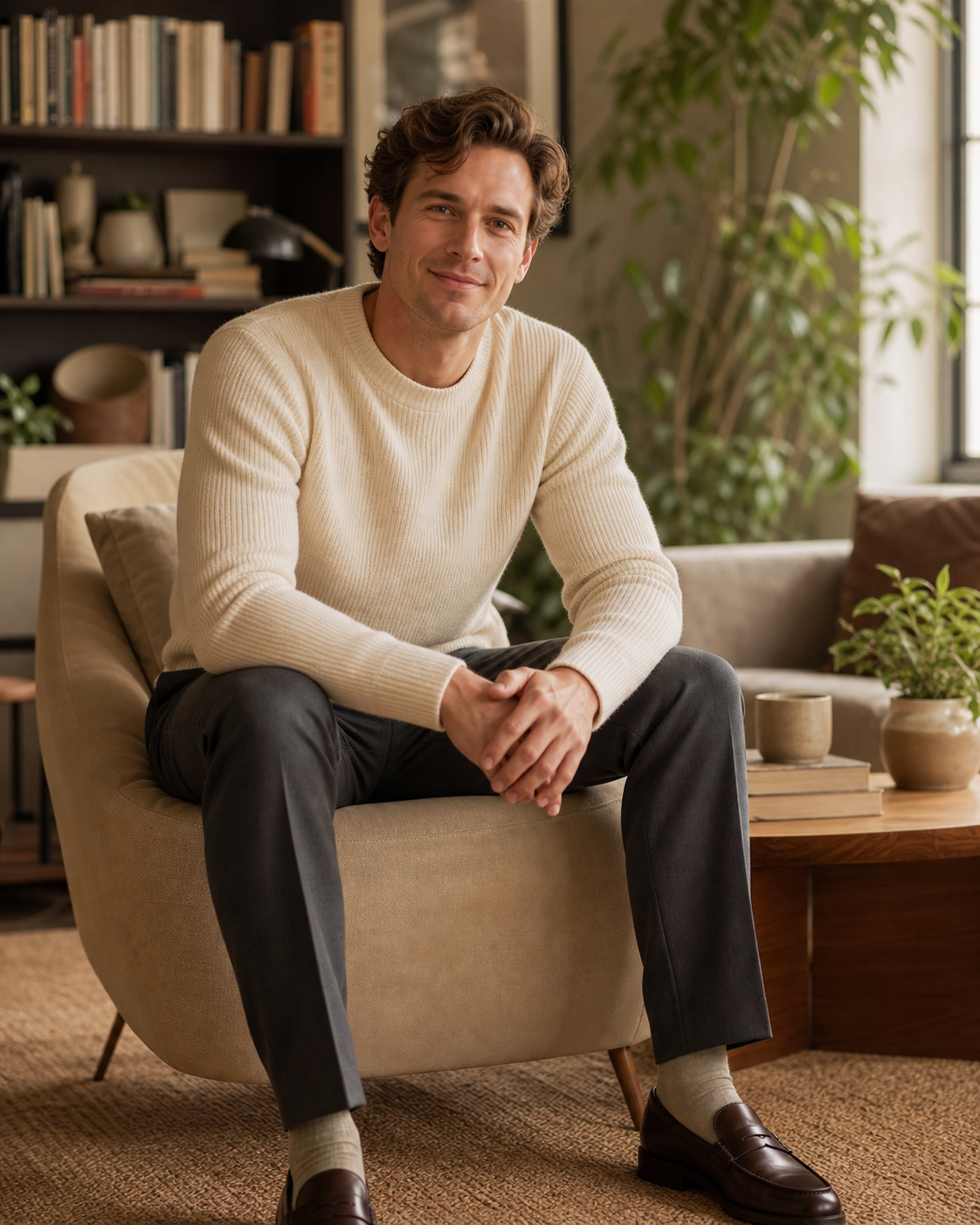
Male Fashion ModelHandsome, lean, premium menswear character proof without aggressive body language.
LeanBuild
SuitFit
HotelScene
Slender RunwayHigh-fashion silhouette, full-body framing, and polished commercial styling.
SlimBuild
RunwayLook
FullFrame
Handsome LifestyleWarm, approachable character image for broader audiences and safer ads.
WarmLight
ClearHands
SafeLook
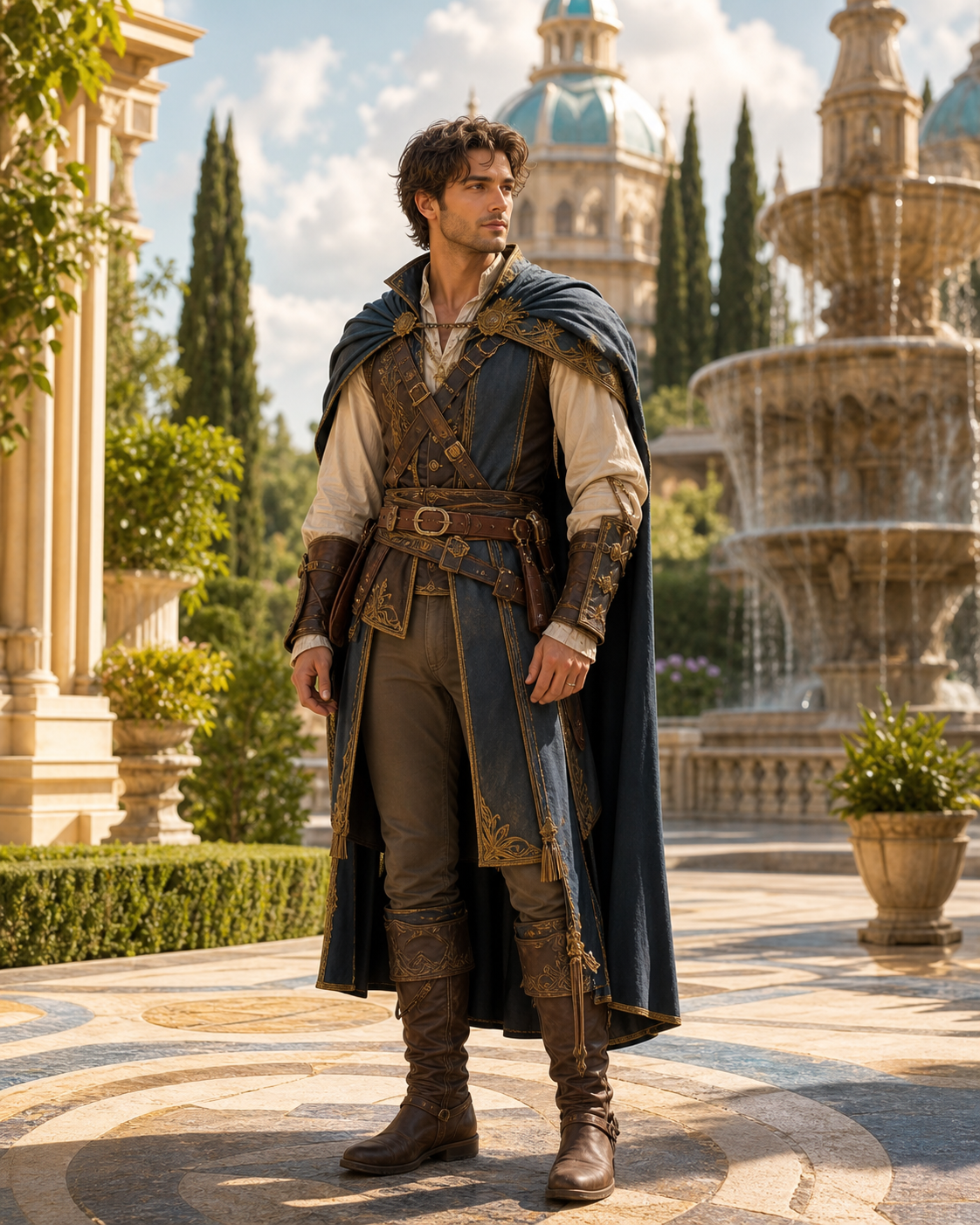
Fantasy HeroStylized worldbuilding and costume detail without violent, explicit, or extreme public-facing imagery.
HeroType
SafeFantasy
WorldDetail
Positioning
This is not a prompt dump. It is an identity workflow.
1. Build identityDefine face, hair, body, wardrobe, setting, camera, and output model as separate controls.
2. Choose strengthSwitch between safer public prompts, detailed production prompts, and stylized fantasy pushes.
4. Export proofCopy image, video, or reference-sheet prompts and save the best results as reusable proof assets.
Ordinary prompt packs
Large lists of copy-paste prompts with little control.
Weak identity continuity from one image to the next.
Users guess what a reference sheet will produce.
Prompts often become long, messy adjective piles.
OdinCharacter
Guided builder for clean prompts, Advanced mode for precise control.
Commercial Safe, Strong Detail, and Extreme Stylized prompt modes.
Identity, anatomy, wardrobe, camera, lighting, and output model are separated.
Reference-sheet previews explain the exact expected panels before copying.
Generated prompts include priority order, safety warnings, consistency rules, and artifact control.
Offer
A browser-based character prompt system for creators who need repeatable identity.
What buyers getGuided character builder, Advanced physique controls, reference sheet prompts, video prompt builder, model wrappers, starter presets, local save/export, and lifetime file access.
Launch price
$19
Best for creators who want the full prompt builder now while the proof gallery and workflow pack examples keep expanding.
Built forAI character creators, prompt sellers, story artists, roleplay builders, game concept designers, social media creators, and visual worldbuilders.
Builder quality check
Product Confidence
8.5
Current internal readiness score after prompt-mode, body-control, reference-sheet, and layout tests.
✓ Tested prompt modes
✓ Local privacy
✓ Reference optional
✓ Body-region controls
Trust and clarity
PrivacyOdinCharacter runs in the browser. Presets are saved locally. Reference instruction toggles do not upload images or store private files.
Commercial useUse the prompts you create for personal or commercial image projects. Do not resell, redistribute, or repackage the OdinCharacter builder itself.
Refund policy7-day refund if the file does not open, does not match the product description, or you cannot access the delivered download.